Canceling a subscription service should take minutes, not hours of frustration. Yet thousands of Cirkul customers find themselves stuck in a loop of confusing account settings, aggressive retention offers, and missing confirmation emails.
If you’re trying to figure out how to cancel your Cirkul subscription, you’re not alone, and the process is simpler than the company makes it seem. The trick is knowing exactly where to click and what to expect along the way. I’ve walked through this process multiple times, tested every screen, and documented the pitfalls that trip people up.
Whether you’re canceling because you’ve lost interest in flavored water, your budget has tightened, or you simply have a cabinet overflowing with unused Sip cartridges, this guide gives you the exact steps to get it done quickly and cleanly. You’ll also learn what to do if things go sideways, how to pause instead of cancel if you’re on the fence, and how to handle pending orders that might still charge your card after you think you’re done.
Understanding Your Cirkul Subscription Model
Cirkul’s business model revolves around recurring revenue, which means the company has designed its subscription system to keep you enrolled for as long as possible. That’s not inherently shady: most direct-to-consumer brands operate this way. But it does mean the cancellation process isn’t as prominently featured as the sign-up button was.
Your Cirkul subscription, often called the “Sip Club” or autoship plan, works on a recurring delivery schedule. You pick your flavors, set a delivery frequency (typically every two, three, or four weeks), and Cirkul ships cartridges to your door automatically. Your payment method gets charged before each shipment, and unless you intervene, this cycle continues indefinitely.
The subscription model is structured around convenience. Cirkul assumes you’re drinking enough flavored water to burn through cartridges at a predictable rate. For some customers, that assumption holds. For many others, cartridges pile up faster than they can be used, creating the exact scenario that drives cancellation requests.
Understanding how your specific plan works matters because it affects the timing of your cancellation. If you cancel too close to a billing cycle, your next order may already be processing, and stopping a shipment that’s already been charged requires a different approach than simply turning off future deliveries.
The Difference Between One-Time Purchases and Autoship
This distinction catches a lot of people off guard. Not every purchase you make on Cirkul’s website is tied to a subscription. If you bought a starter kit or a bundle as a one-time purchase, there’s nothing to cancel: that was a single transaction.
The subscription component specifically refers to the autoship plan, where you’ve opted into recurring deliveries. You can tell you’re on autoship if you see a recurring charge from Cirkul on your credit card or bank statement every few weeks. Your account dashboard will also show an active subscription with a next delivery date.
Some customers sign up for the subscription during their initial purchase without realizing it. Cirkul’s checkout flow often defaults to the subscription option because it offers a lower per-cartridge price. That discounted pricing is the hook: you save money per unit, but you commit to ongoing deliveries. If you selected the “subscribe and save” option during checkout, you’re on autoship even if you thought you were making a one-time buy.
Check your email for any order confirmation messages from Cirkul. Subscription orders typically include language about your “next delivery” or “upcoming shipment,” while one-time purchases simply confirm the single order. This tells you definitively whether you have an active subscription to cancel.
Locating Your Account Login Details
Before you can cancel anything, you need to actually get into your account. This sounds obvious, but it’s the first place many people get stuck. Cirkul accounts are created during your initial purchase, and if you checked out quickly without saving your login credentials, you may not remember your password or even which email address you used.
Start by checking your email inbox for any messages from Cirkul. Search for “Cirkul,” “order confirmation,” or “shipment notification.” The email address where these messages landed is the one tied to your account. Once you’ve identified the correct email, head to Cirkul’s website and use the password reset function if you can’t remember your login.
If you signed up using a social login (like Google or Facebook), look for those options on the login page. Cirkul has supported social authentication at various points, and your account may be linked to one of these services rather than a standalone email and password combination.
One more thing: if you created your account through the Cirkul mobile app, your login credentials are the same for the website. The account is universal across platforms, so you can manage your subscription from whichever interface you prefer. I recommend using the desktop website for cancellation because the full menu options are easier to find on a larger screen.
Step 1: Access Your Cirkul Account Dashboard
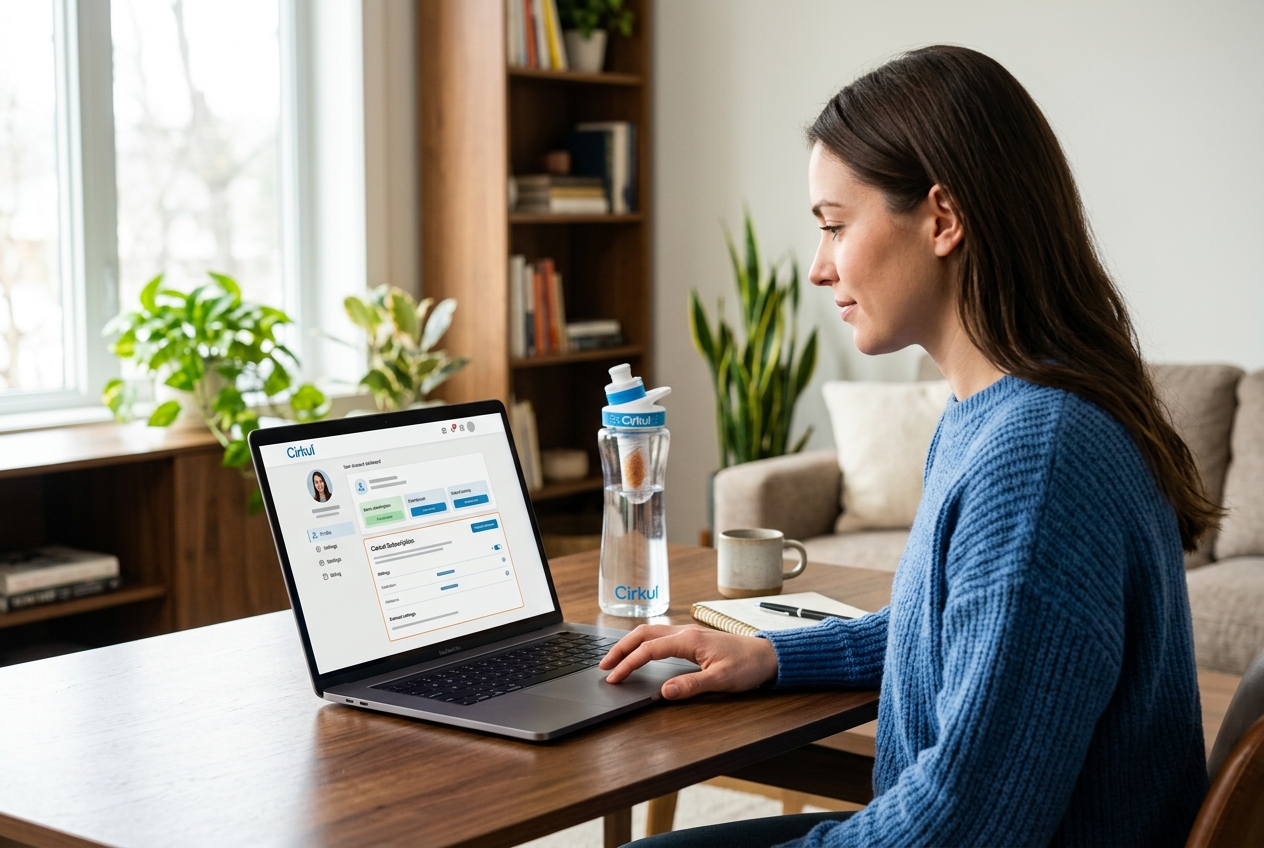
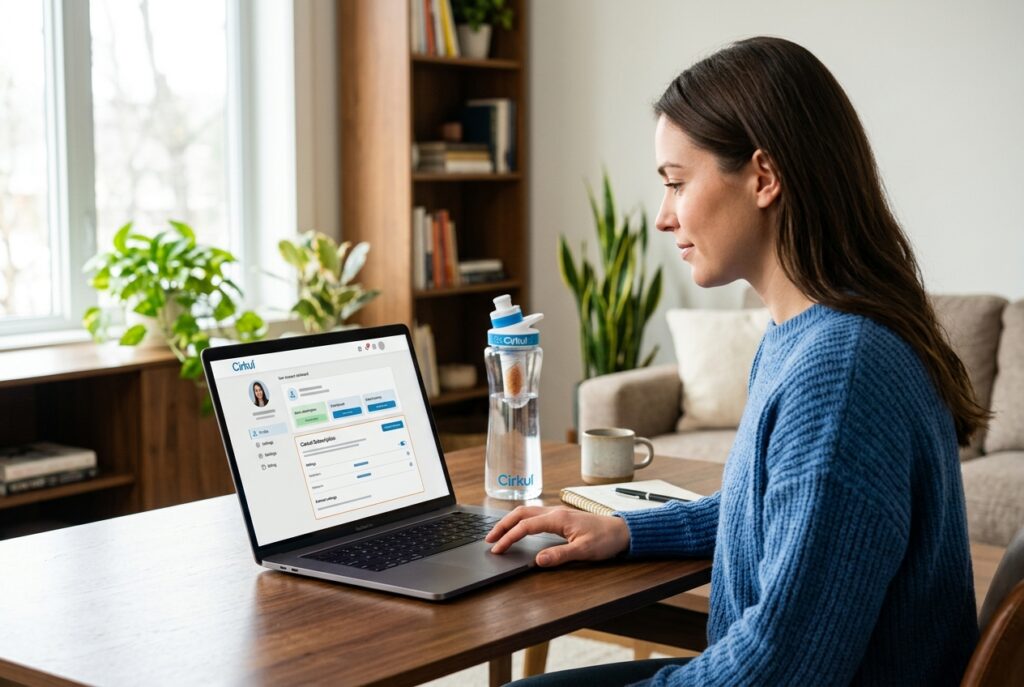
Open your browser and go to drinkcirkul.com. Click the account icon, which is typically located in the upper right corner of the page. It usually looks like a small person silhouette or simply says “Account” or “Log In.” Enter your email address and password, then click through to your account dashboard.
Once you’re logged in, you’ll land on a page that shows your account overview. This is your central hub for everything related to your Cirkul orders, payment methods, shipping addresses, and subscription settings. Take a moment to orient yourself here because the layout has changed several times over the past year as Cirkul has updated its website.
Your dashboard should display your active subscription status somewhere prominent. Look for a section labeled “My Subscription,” “Sip Club,” or “Autoship.” If you see a next delivery date and a list of products scheduled to ship, that confirms your subscription is active and gives you a clear target for cancellation.
If you’re using the mobile app instead, the process is similar. Tap the menu icon (three horizontal lines or your profile picture), then look for subscription management options. The app interface tends to bury these settings slightly deeper than the desktop version, which is why I suggest using a computer if you have one available.
One common issue at this stage: some customers have multiple accounts if they’ve used different email addresses for different orders. If your dashboard shows no active subscription but you’re still getting charged, you likely have a second account tied to a different email. Go back to your bank statement, find the charge, and check if the associated email matches what you’re logged in with.
Step 2: Navigate to the Subscription Management Settings
From your account dashboard, find and click on the subscription management section. The exact label varies, but you’re looking for something like “Manage Subscription,” “My Sip Plan,” or “Subscription Settings.” This takes you to a dedicated page where you can see every detail of your recurring plan.
On this page, you’ll see your current delivery schedule, the flavors and quantities in your upcoming shipment, your payment method on file, and your shipping address. There should also be options to modify various aspects of your plan. The cancellation option is here, but Cirkul doesn’t put it front and center: you’ll need to look for it.
Scroll down or look for a link that says something like “Cancel Subscription,” “Turn Off Autoship,” or “Manage Plan.” In some versions of the site, this option is tucked under an “Advanced Settings” or “More Options” dropdown. Cirkul has been known to make cancellation processes less straightforward than sign-up processes, a practice that consumer protection agencies have increasingly scrutinized across the subscription industry.
If you can’t find the cancellation link, try clicking on every available option on the subscription management page. Some users report that the cancel option only appears after you click “Edit Subscription” or “Change Plan.” It’s a bit like a hidden menu item: it exists, but you have to know where to look.
Don’t be alarmed if the page tries to redirect you toward modifying your plan instead of canceling it. This is intentional. Cirkul, like many subscription companies, would rather you change your delivery frequency or swap flavors than leave entirely. Stay focused on finding the actual cancellation option, which is usually at the bottom of the page or behind one more click.
Step 3: Adjust or Cancel Your Sip Plan
Once you’ve found the cancellation option, click it. The site will likely present you with alternatives before letting you proceed: this is standard retention strategy. You might see options to reduce your delivery frequency, switch to a smaller shipment, or take advantage of a discount to stay subscribed.
If you’re certain you want to cancel, ignore these offers and look for the option to proceed with cancellation. There’s usually a small text link or secondary button that says “No thanks, I still want to cancel” or “Continue with cancellation.” Click that.
The next screen typically asks you to confirm your decision. Before you confirm, review the details shown. Make sure the cancellation applies to your entire subscription and not just a single upcoming order. Some interfaces let you skip a delivery without actually canceling the subscription itself, which means you’d still be charged again after the skipped cycle.
If you want to keep your Cirkul bottle and simply stop the cartridge deliveries, cancellation is the right move. Your account remains active even after you cancel the subscription, so you can still log in, make one-time purchases, and reactivate your subscription later if you change your mind.
Selecting the Cancellation Reason
Cirkul will ask why you’re leaving. This is a required step: you can’t skip it. The company uses this data to identify trends in customer churn and improve retention, but for you, it’s just one more click standing between you and freedom.
Common reason options include: too expensive, receiving too many cartridges, not using the product enough, switching to a different product, or dissatisfaction with flavors. Pick whichever reason applies, or choose “Other” if none of them fit. Your selection doesn’t affect whether the cancellation goes through: it’s purely informational.
Don’t overthink this step. Some customers worry that selecting certain reasons will trigger a phone call from a sales representative or delay the cancellation. That doesn’t happen. The reason selection is automated and feeds into Cirkul’s internal analytics. Pick something, click next, and move on.
That said, if your reason is genuinely about cost, pay attention to what the next screen shows you. Cirkul sometimes offers meaningful discounts to customers who cite price as their cancellation reason, and if a 20% or 30% discount would change your mind, it might be worth considering before you finalize.
Avoiding Common Retention Offers
After you select your reason, expect at least one retention offer. This is where Cirkul makes its last-ditch effort to keep you subscribed. The offers typically fall into a few categories: a percentage discount on your next order, a free bonus cartridge pack, an extended delivery interval, or a temporary pause on your subscription.
Here’s my honest take: if you’re canceling because you have too many cartridges stacked up, a discount doesn’t solve your problem. You’ll just accumulate more product at a slightly lower price. The pause option, however, might genuinely be useful if your issue is temporary. I’ll cover pausing in detail later in this article.
If you want to cancel outright, look for the decline button on each retention offer screen. There may be two or three of these screens in sequence. Each one presents a slightly different incentive, and each one has a “no thanks” option somewhere on the page. Keep clicking through until you reach the final confirmation screen.
Some users have reported frustration with multi-step cancellation flows on subscription services like Cirkul. The FTC has proposed rules requiring companies to make cancellation as easy as sign-up, a principle sometimes called “click to cancel.” Until those rules are fully enforced, you’ll need to be persistent and click through every retention screen.
Step 4: Confirming the Cancellation and Saving Changes
The final step is the confirmation screen. This page should clearly state that your subscription has been canceled and that no future charges will be applied to your payment method. Read this screen carefully. Look for specific language confirming the cancellation, such as “Your subscription has been successfully canceled” or “You will not be billed again.”
Take a screenshot of this confirmation page. I cannot stress this enough. If any billing issues arise later, this screenshot serves as your proof that you completed the cancellation process. Save it to your phone, your computer, or email it to yourself. This takes five seconds and can save you hours of back-and-forth with customer support.
Note the effective date of your cancellation. If you had a shipment already in progress or a billing cycle that already triggered, the cancellation may not apply to that current order. It typically takes effect for the next scheduled billing cycle. If you see language like “your cancellation will take effect after your next delivery,” that means one more charge is coming. If that’s unacceptable, you’ll need to contact customer support directly to stop the pending order.
After confirming, log out and log back in to verify. Your account dashboard should now show no active subscription, or it should display a status like “Canceled” or “Inactive” next to your former plan. If it still shows an active subscription, something went wrong, and you need to repeat the process or contact support.
Checking for the Confirmation Email
Within a few minutes of completing the cancellation, you should receive a confirmation email from Cirkul. Check your inbox and your spam folder. This email serves as your official receipt of the cancellation and typically includes details like the date of cancellation, any remaining orders that will still ship, and instructions for reactivating if you change your mind.
If you don’t receive a confirmation email within an hour, check your spam and promotions folders first. Email filters frequently catch automated messages from subscription services. If it’s not there either, log back into your account to verify the cancellation actually went through.
No confirmation email combined with an account that still shows an active subscription means the cancellation likely didn’t process. This can happen due to browser glitches, session timeouts, or server errors on Cirkul’s end. Don’t assume it worked just because you clicked the buttons. Verify independently by checking both your account status and your email.
Keep the confirmation email indefinitely, or at least until you’ve confirmed that no further charges appear on your payment method. Set a reminder on your calendar for the date your next billing cycle would have occurred, and check your bank statement on that date to make sure nothing was charged.
Alternatives to Canceling Your Cirkul Subscription
Full cancellation isn’t always the best move. If you like Cirkul’s products but your current plan doesn’t match your consumption rate, there are middle-ground options worth considering before you pull the plug entirely.
Subscribers who cancel lose any loyalty pricing or grandfathered rates they may have locked in. If Cirkul has raised prices since you first subscribed, your current rate might be lower than what you’d pay if you re-subscribed later. Check your per-cartridge price against the current website pricing before canceling. If you’re getting a better deal, pausing might make more financial sense.
Your account’s order history also plays a role. Long-standing subscribers sometimes receive exclusive offers, early access to new flavors, or bonus items that new or returning customers don’t get. These perks aren’t always visible, but they exist as part of Cirkul’s retention strategy for established accounts.
How to Skip a Month or Pause Delivery
Pausing your subscription is the most underused option in Cirkul’s account management tools. Instead of canceling, you can temporarily halt deliveries for one or more cycles. This keeps your account active, preserves your pricing, and gives you time to use up the cartridges you already have.
To pause, go to the same subscription management page where you’d find the cancellation option. Look for a “Skip” or “Pause” button. The skip function typically lets you push your next delivery back by one cycle, while the pause function suspends deliveries indefinitely until you manually reactivate.
The key difference: skipping is a one-time delay, while pausing is open-ended. If you skip, your subscription automatically resumes after the skipped cycle. If you pause, it stays paused until you take action. For most people who are on the fence, pausing is the better choice because it doesn’t require you to remember to skip again next month.
Set a reminder if you pause. While your subscription won’t auto-resume in most cases, Cirkul may send reactivation prompts that could be confusing. Some subscription services have policies where paused accounts eventually reactivate, so read the terms carefully and monitor your bank statements even while paused.
Changing Your Sip Flavor Selection
Flavor fatigue is one of the top reasons people cancel their Cirkul subscriptions. If you’ve been getting the same three flavors for months and you’re bored, changing your selection might reignite your interest without the hassle of canceling and potentially re-subscribing later.
From your subscription management page, you can edit the contents of your upcoming shipment. Remove flavors you’re tired of and browse the current catalog for new options. Cirkul regularly releases limited-edition and seasonal flavors, so there may be options available now that didn’t exist when you first set up your plan.
You can also adjust the quantity of cartridges per shipment. If you’re receiving 12 cartridges every two weeks but only using 6, reducing your shipment size and extending your delivery interval solves the accumulation problem without canceling. A smaller shipment every four weeks might be the sweet spot that keeps you subscribed without overwhelming your supply.
Consider mixing in some of their caffeinated or electrolyte-enhanced flavors if you’ve only been drinking the basic fruit options. These functional cartridges serve a different purpose and might justify keeping the subscription active for gym days or afternoon energy boosts, even if you’ve cooled on the standard flavors.
Troubleshooting Common Cancellation Issues
Not every cancellation goes smoothly. Technical glitches, timing issues, and unclear account states can all complicate the process. Here are the most common problems and how to handle each one.
The most frequent issue is attempting to cancel after a billing cycle has already initiated. If your payment method was charged within the last 24 to 48 hours, your order may already be in the fulfillment pipeline. Canceling your subscription at this point stops future orders but doesn’t automatically reverse the current one. You’ll need to contact customer support to request cancellation of the in-progress order.
Another common problem is the cancellation button not appearing on the subscription management page. This can happen due to browser caching, outdated app versions, or account-specific display issues. Try clearing your browser cache, switching to a different browser, or using an incognito window. If you’re on the app, update it to the latest version and try again.
Some customers report being stuck in a loop where the site keeps redirecting them to retention offers without ever reaching the final cancellation confirmation. If this happens, try accessing the cancellation page directly by modifying the URL in your browser’s address bar, or use a different device entirely. Persistent redirect loops are usually browser-specific issues rather than intentional design choices.
Contacting Cirkul Customer Support
When self-service cancellation fails, customer support is your backup. Cirkul offers support through email and sometimes live chat, though phone support availability varies. The most reliable method is email, which you can send through the contact form on their website or directly to their support email address.
When you reach out, be specific. Include your account email, order number, and a clear statement that you want to cancel your subscription effective immediately. Don’t leave room for ambiguity. A message like “I want to cancel my subscription” is better than “I’m thinking about making changes to my account.”
Expect a response within one to two business days for email inquiries. If your next billing date is sooner than that, mention the urgency in your message and request that no further charges be processed while your request is being handled. You can also temporarily remove your payment method from your account as a safeguard, though this may cause a failed payment notification rather than a clean cancellation.
If live chat is available, use it. Chat support typically resolves issues faster than email, and you get a written transcript of the conversation for your records. Ask the agent to confirm the cancellation in writing during the chat and request that a confirmation email be sent to your account email address.
Document everything. Save email threads, chat transcripts, and screenshots. If you need to dispute a charge with your bank later, this documentation proves you attempted to cancel through proper channels before resorting to a chargeback.
Dealing with Pending Orders and Refund Policies
If a charge went through after you thought you canceled, you have options. First, check whether the charge corresponds to an order that was already processing before your cancellation took effect. Subscription billing systems typically finalize charges a day or two before the actual shipment date, so there’s a window where your cancellation and the billing cycle can overlap.
For orders that shipped after your cancellation request, Cirkul’s refund policy generally requires you to contact support. Refund eligibility depends on whether the package has shipped, whether it’s been delivered, and how much time has passed since the charge. Unopened products returned within the allowed window are typically eligible for a refund, minus shipping costs in some cases.
If Cirkul refuses a refund for a charge that occurred after you canceled, you have the right to dispute the charge with your credit card company or bank. Provide your cancellation confirmation screenshot, any email correspondence, and a timeline showing that the charge occurred after your cancellation date. Most banks side with the consumer in these disputes when documentation is clear.
For future protection, consider removing your payment method from your Cirkul account after cancellation is confirmed. This prevents any accidental charges from processing, even if a system error reactivates your subscription. It’s a belt-and-suspenders approach, but it eliminates the risk entirely.
Be aware that some subscription companies have specific refund windows and restocking policies that differ from standard retail return policies. Read Cirkul’s terms of service for the exact details applicable to your situation, particularly if you’re dealing with a large order or multiple shipments.
Making a Clean Break from Your Cirkul Subscription
Getting your Cirkul subscription canceled doesn’t need to be a headache, but it does require you to be deliberate and thorough. Log in, find the subscription settings, click through the retention offers without hesitation, confirm the cancellation, and verify with both a screenshot and the confirmation email. Those four steps handle 95% of cases cleanly.
If you hit a wall at any point, customer support via email or live chat can push the cancellation through on their end. Just make sure you document the interaction. The whole process, from login to confirmation, should take under ten minutes if you follow the steps outlined here.
Whether you’re done with Cirkul for good or just taking a break, you now have every tool you need to manage your account on your terms. Remove your payment method after canceling, set a calendar reminder to check your next billing date, and move on knowing the recurring charges are behind you.