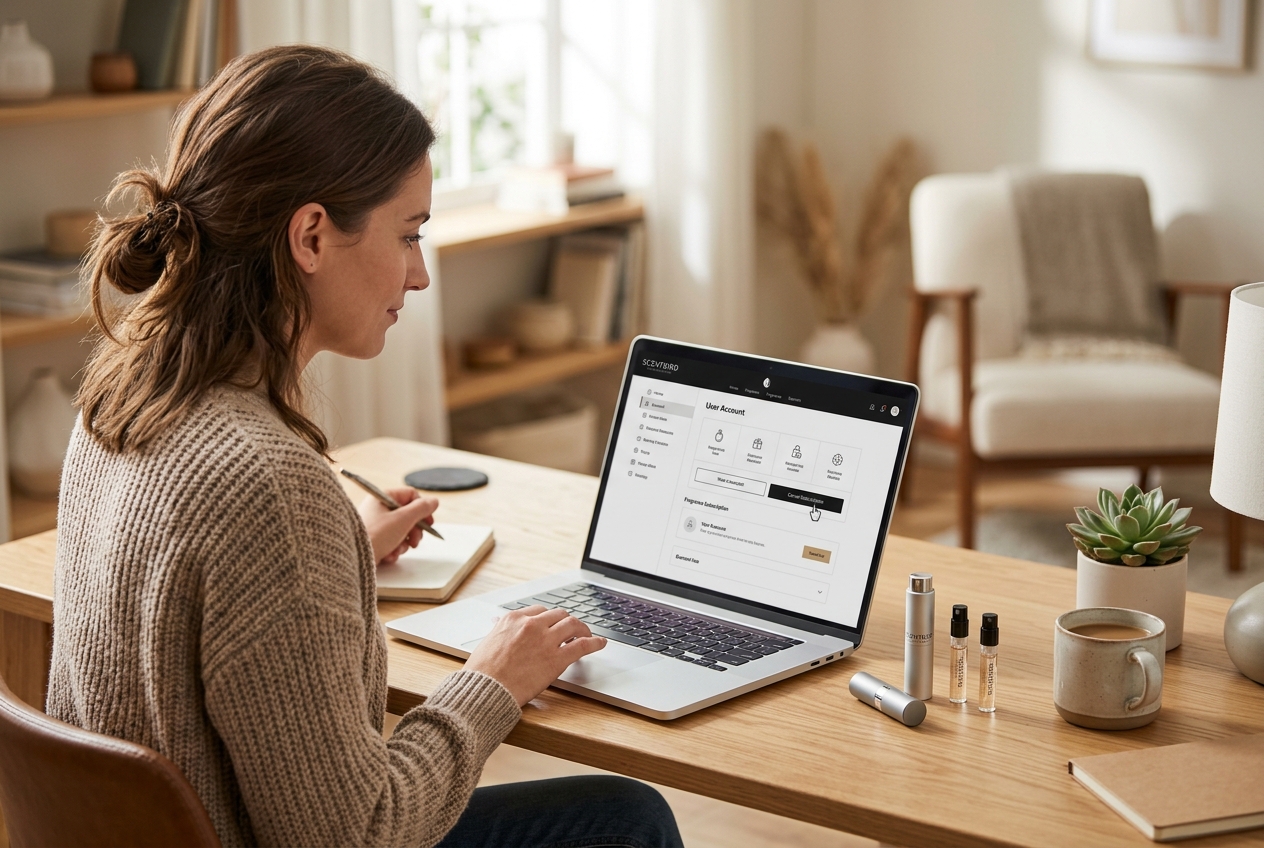
Scentbird made signing up easy. Canceling? Not so much. If you’ve been searching for how to cancel your Scentbird subscription, you’ve probably already noticed that the process isn’t as straightforward as clicking a single button. The company uses a multi-step cancellation flow designed to keep you subscribed, complete with surveys, discount offers, and confusing menu options.
This guide walks you through every method available, from the website to the mobile app to direct customer support contact. Whether you want to fully cancel, pause, or just stop getting charged, you’ll know exactly what to do and what to watch out for by the time you finish reading.
Understanding the Scentbird Cancellation Policy
Before you start clicking around your account settings, you need to understand the rules Scentbird operates under. The company’s cancellation policy has a few nuances that trip people up, and not knowing them can result in an extra charge you didn’t expect.
Scentbird runs on a monthly billing cycle. Your subscription costs $17.95 per month for one fragrance item, and you’re billed on the same date each month, tied to when you originally signed up. The company does not prorate refunds, meaning if you cancel mid-cycle, you won’t get money back for the remaining days. Your access continues until the end of your current billing period, but once that period ends, no new shipments go out.
One critical detail: Scentbird processes cancellations on their end, and they state in their terms that they will try to process termination requests within seven business days of receiving them. That “seven business days” window matters. If you submit your cancellation request too close to your billing date, there’s a real chance you’ll be charged for another month before the cancellation goes through. This is the single biggest mistake subscribers make.
The policy also distinguishes between monthly subscribers and those on prepaid plans (3-month, 6-month, or 12-month). If you purchased a prepaid plan, you can’t cancel for a refund on unused months. The subscription simply expires at the end of the prepaid term. Monthly subscribers have more flexibility but need to be strategic about timing.
The Deadline to Avoid Monthly Charges
Timing is everything here. You should cancel at least one day before your next billing date to avoid being charged for the following month. But given the seven-business-day processing window, I’d recommend submitting your cancellation at least ten days before your billing date to be safe.
To find your billing date, log into your Scentbird account and go to your subscription settings. Your next charge date should be listed there. If you can’t find it, check your email for your most recent Scentbird receipt, which includes the transaction date. Your next billing date will fall on that same calendar date the following month.
Here’s a practical example: if your billing date is the 15th of each month and you want to cancel for next month, submit your cancellation by the 5th at the latest. This gives Scentbird the full processing window and leaves you a buffer in case anything goes wrong. Waiting until the 14th is gambling with your money.
If you’re on a prepaid plan, the billing date concept works differently. You were charged upfront for all months, so there’s no recurring charge to dodge. You simply need to ensure your plan doesn’t auto-renew into a monthly subscription when it expires. Check your account settings to confirm whether auto-renewal is toggled on or off.
Refund Policies for Shipped Fragrances
Scentbird’s refund policy is strict. Once a fragrance has shipped, you cannot return it for a refund. Each shipment includes an 8ml sample size providing approximately 120 sprays, and the company treats these as final sale once they leave the warehouse.
If you received a damaged or incorrect fragrance, that’s a different situation. You can contact customer support within 30 days of delivery to request a replacement or account credit. But “I didn’t like the scent” is not grounds for a refund. This is why many subscribers eventually decide to cancel: after a few months of hit-or-miss fragrances, the $17.95 adds up.
There’s also no refund for the current billing cycle when you cancel. If you were charged on the 1st and cancel on the 10th, you’ve paid for that month’s fragrance and it will ship as scheduled. Your cancellation takes effect for the next cycle. Keep this in mind so you’re not surprised when a package shows up after you thought you’d already ended your subscription.
How to Cancel Scentbird via the Website
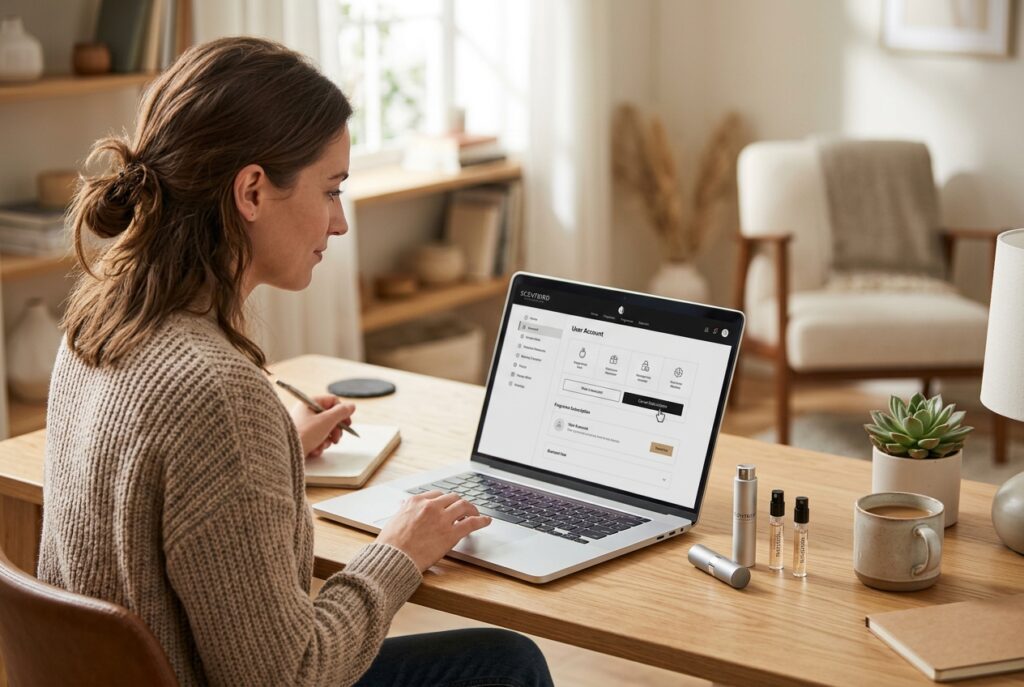
The website is the most reliable method for canceling your Scentbird subscription. The process involves several screens, and the company will try to convince you to stay at each step. Knowing what to expect makes the whole thing faster.
Start by opening a desktop or laptop browser. While you can technically use a mobile browser, the desktop version displays all the account options more clearly and reduces the chance of missing a button or link. Go to scentbird.com and log in with the email address and password tied to your subscription.
Accessing Your Subscription Settings
Once logged in, click on your profile icon in the top-right corner of the screen. From the dropdown menu, select “Subscription” or “My Subscription.” This takes you to a page showing your current plan details, including your next billing date, your fragrance queue, and your subscription tier.
On this page, look for a link or button that says “Cancel Subscription.” It’s typically located near the bottom of the subscription details section, and it’s often styled in a smaller, less prominent font compared to other options on the page. Scentbird doesn’t hide it entirely, but they don’t make it obvious either.
If you don’t immediately see a cancel option, scroll down. Some users report needing to click through “Manage Subscription” or “Edit Subscription” before the cancellation link appears. The exact layout can vary depending on when Scentbird last updated their website design.
Click the cancel link. You won’t be canceled yet. This is just the beginning of a multi-step process that Scentbird uses to give you every opportunity to reconsider.
Completing the Cancellation Survey
After clicking the initial cancel button, Scentbird presents a survey asking why you want to leave. This is standard practice for subscription companies, and your answers may trigger specific retention offers.
Common survey options include:
- Too expensive
- Not satisfied with fragrance selection
- Receiving too many products
- Switching to another service
- Financial reasons
- Other
Select whichever reason applies to you. After submitting your answer, expect to see a retention offer. Scentbird frequently offers discounts like 50% off your next month, a free fragrance, or a suggestion to pause your subscription instead of canceling. These offers can be tempting, but if you’ve already decided to cancel, click past them.
You may need to decline two or three different offers before reaching the final cancellation confirmation screen. Each screen will have a prominent “Accept Offer” button and a much smaller “Continue Canceling” or “No Thanks” link. Always look for the smaller text option to proceed with cancellation.
The survey process exists to collect data and reduce churn. There’s no wrong answer, and your selection doesn’t affect whether you’re allowed to cancel. Pick whatever feels accurate and keep moving forward.
Confirming Your Membership Status
After declining all retention offers and completing the survey, you should reach a confirmation screen stating that your subscription has been canceled. Pay close attention to the language on this screen. It should clearly say your subscription is canceled or will end on a specific date.
Take a screenshot of this confirmation page. This is your proof of cancellation in case there’s a billing dispute later. Scentbird should also send a confirmation email to the address associated with your account. Check your inbox and your spam folder within 24 hours.
After confirming, go back to your subscription settings page and verify that your status shows as “Canceled” or “Inactive.” If it still shows “Active,” something went wrong during the process, and you should contact customer support immediately.
One more thing: check your payment method. If you used a credit card, monitor your statement around your next billing date to ensure no charge goes through. If you see an unexpected charge despite having canceled, you’ll have the screenshot and confirmation email as evidence for a dispute with either Scentbird or your credit card company.
Canceling Your Subscription Through the Mobile App
If you prefer using your phone, the Scentbird mobile app offers a cancellation path, though it mirrors the website process closely. The app is available on both iOS and Android, and the cancellation flow works the same way on both platforms.
Open the Scentbird app and log in. Tap the menu icon (usually three horizontal lines or your profile avatar) and find the “Subscription” or “Account” section. Within your subscription details, look for the cancel option. Like the website, it’s not prominently displayed, so you may need to scroll or tap into a “Manage” submenu.
Once you find the cancellation link, the app walks you through the same survey and retention offer sequence described in the website section above. You’ll answer why you’re leaving, decline any offers you’re not interested in, and eventually reach a confirmation screen.
The mobile app has one notable quirk: some users report that the cancel button doesn’t appear if the app needs an update. If you can’t find the cancellation option, update the app to the latest version from the App Store or Google Play Store, then try again. Clearing the app cache can also help if the interface seems stuck or unresponsive.
There’s an important distinction for users who subscribed through the Apple App Store or Google Play Store rather than directly through Scentbird’s website. If you signed up via an in-app purchase, canceling through the Scentbird app or website alone may not stop billing. You need to also cancel the subscription through your device’s subscription management settings.
For iPhone users, go to Settings, tap your name at the top, select Subscriptions, find Scentbird, and tap Cancel Subscription. For Android users, open the Google Play Store, tap your profile icon, go to Payments & Subscriptions, then Subscriptions, find Scentbird, and cancel from there.
This is a step many people miss. They cancel within the Scentbird app but continue getting charged because the actual billing relationship is with Apple or Google. Always verify which platform processes your payment before assuming you’re done.
After canceling through the app, take a screenshot of the confirmation screen and check for a confirmation email, just as you would with the website method. The same verification steps apply regardless of which platform you use.
Alternative Method: Contacting Customer Support
Sometimes the self-service cancellation doesn’t work. Maybe the button is missing, the page won’t load, or you’re on a prepaid plan with specific questions. In these cases, reaching out to Scentbird’s customer support team directly is your best option.
Scentbird doesn’t offer phone support, which frustrates many customers. Your two main channels are submitting a support ticket through their help center and sending a direct email. Both methods work, but response times vary. Expect anywhere from 24 hours to several business days for a reply, which is why timing your cancellation request well before your billing date is so important.
Submitting a Support Ticket
To submit a support ticket, go to support.scentbird.com or find the “Help” or “Contact Us” link in the footer of the Scentbird website. The help center includes a collection of FAQ articles, but you want to find the option to submit a request or open a ticket.
When filling out the support ticket form, include the following information:
- Your full name as it appears on your account
- The email address associated with your Scentbird subscription
- A clear subject line like “Subscription Cancellation Request”
- A brief message stating that you want to cancel your subscription effective immediately
- Your next billing date (so the agent knows the urgency)
Be direct in your message. Don’t explain your life story or apologize for leaving. A simple “I would like to cancel my Scentbird subscription immediately. Please confirm cancellation and ensure no further charges are processed” is sufficient. The more concise your request, the faster it gets handled.
After submitting, you’ll receive an automated acknowledgment email with a ticket number. Save this. If you don’t hear back within three business days, reply to the acknowledgment email or submit a follow-up ticket referencing your original ticket number.
Sending a Direct Cancellation Email
You can also email Scentbird’s support team directly at [email protected]. This method works essentially the same as the support ticket but goes straight to their email queue.
Structure your email clearly. Use “Cancellation Request” as the subject line. In the body, include your account email address, your name, and an explicit statement that you want to cancel. Request written confirmation of the cancellation in your email so there’s no ambiguity.
Here’s a template you can adapt:
Subject: Subscription Cancellation Request
Body: I am requesting immediate cancellation of my Scentbird subscription associated with [your email address]. Please cancel my account and confirm in writing that no further charges will be processed. My next billing date is [date]. Thank you.
Keep a copy of this email in your sent folder. If Scentbird charges you after you’ve sent a cancellation request with reasonable lead time, this email serves as documentation for a chargeback dispute with your bank or credit card company.
One thing to be aware of: Scentbird’s support team sometimes responds to cancellation emails with retention offers rather than confirming the cancellation. If this happens, reply firmly reiterating your cancellation request. Don’t engage with the offer if you’ve made up your mind. Simply restate that you want the subscription canceled and ask for confirmation.
Pausing vs. Canceling Your Membership
Full cancellation isn’t your only option. Scentbird offers a pause feature that lets you skip months without losing your account, your fragrance queue, or any accumulated credits. If you’re canceling because of budget concerns or fragrance fatigue rather than genuine dissatisfaction, pausing might be the smarter move.
The difference is significant. Canceling wipes your queue, your scent preferences, and any personalization the algorithm has built around your tastes. Pausing keeps everything intact and lets you resume whenever you’re ready without recreating your profile from scratch.
How to Skip a Month Without Quitting
Scentbird allows you to skip individual months through your subscription settings. Log into your account, go to your subscription page, and look for a “Skip Month” or “Pause Subscription” option. This should be available near the same area where you’d find the cancel button.
When you skip a month, you won’t be charged for that billing cycle and no fragrance will ship. Your subscription remains active, and you’ll automatically resume the following month unless you skip again. Some users skip multiple months in a row, essentially keeping their account dormant while they use up fragrances they’ve already received.
There are limits to how many consecutive months you can skip, and Scentbird may change these limits over time. If you try to skip and the option isn’t available, it could mean you’ve reached the maximum number of consecutive skips allowed. In that case, you’d need to either accept a shipment or cancel outright.
The skip feature is especially useful if you’ve built up a backlog of fragrances. Each 8ml vial lasts roughly a month with regular use, so if you have three or four unused vials sitting on your shelf, skipping a few months lets you catch up without wasting money on new shipments.
Benefits of Keeping Your Account Active
There are a few practical reasons to pause rather than cancel. First, Scentbird occasionally runs promotions and loyalty rewards for existing subscribers. If you cancel and later resubscribe, you may not qualify for the same pricing or perks you had before.
Second, your fragrance queue and wishlist are tied to your active account. If you’ve spent time curating a list of scents you want to try, canceling means starting over. Pausing preserves that work.
Third, Scentbird sometimes offers returning subscribers a higher price point than what they originally paid. Subscription companies frequently adjust pricing, and your original rate may be grandfathered in as long as your account stays active. Canceling and resubscribing could lock you into a new, higher rate.
That said, if you’re certain you’re done with the service, don’t let these reasons guilt you into keeping a subscription you don’t want. Pausing is a tool for people who genuinely plan to return. If you’re using it just to avoid the cancellation process, you’re better off canceling cleanly and moving on.
Troubleshooting Common Cancellation Issues
Not every cancellation goes smoothly. Scentbird’s website and app occasionally have technical issues, and some subscribers run into frustrating roadblocks during the process. Here’s how to handle the most common problems.
What to Do if the Cancel Button is Missing
This is the most frequently reported issue. You log in, go to your subscription settings, and the cancel button simply isn’t there. Several things could cause this.
If you’re on a prepaid plan, the cancel button may not appear because your plan is set to expire automatically. Check your plan details to see if auto-renewal is enabled. If it is, you may need to toggle off auto-renewal rather than “cancel” in the traditional sense.
Browser issues are another common culprit. Scentbird’s website uses JavaScript-heavy elements that can break in certain browsers or when ad blockers are active. Try the following steps in order:
- Disable any ad blockers or browser extensions
- Clear your browser cache and cookies
- Try a different browser entirely (Chrome, Firefox, Safari, or Edge)
- Use an incognito or private browsing window
- Switch to a desktop computer if you’re on mobile
If none of these work, the issue is likely on Scentbird’s end. In this case, go directly to the customer support methods described earlier. Send an email or submit a ticket explicitly stating that the cancel button is not appearing in your account and you want to cancel immediately. Include a screenshot of your subscription page showing the missing button. This documentation strengthens your case if you need to dispute a charge later.
Some users have also reported that the cancel option disappears temporarily around billing dates or during site maintenance windows. If you’re within a day or two of being charged, don’t wait for the button to reappear. Contact support right away.
Verifying the Cancellation Confirmation Email
After completing the cancellation process, Scentbird should send a confirmation email. This email is your receipt and proof that the cancellation was processed. If you don’t receive it within 24 hours, there’s a problem.
First, check your spam and junk folders. Scentbird emails sometimes get filtered, especially if you’ve previously marked their promotional emails as spam. Search for emails from any Scentbird domain, including scentbird.com and any support email addresses.
If the email isn’t in spam either, log back into your Scentbird account and check your subscription status directly. If it still shows active, your cancellation may not have gone through. Repeat the process or contact support.
When you do receive the confirmation email, save it. Don’t delete it. Move it to a dedicated folder or star it. You may need it months later if an unexpected charge appears on your statement. Credit card companies and banks typically require proof that you canceled before they’ll process a chargeback.
The confirmation email should include your cancellation date, the date your access ends, and confirmation that no further charges will be processed. If the email is vague or doesn’t include these details, reply asking for explicit confirmation of these three points.
Managing Your Account After Cancellation
Your Scentbird account doesn’t disappear the moment you cancel. You retain access to your account through the end of your current billing period, and even after that, your login credentials continue to work. You just won’t receive new shipments or be charged.
During the remaining days of your billing period, you can still browse the fragrance catalog, update your queue (though it won’t matter since no new shipments will go out), and access your order history. This is a good time to review past shipments and note any fragrances you loved so you can purchase full-size bottles elsewhere.
If you have unused credits or prepaid months remaining, check whether they expire upon cancellation. Scentbird’s policy on credits can vary, and some credits may be forfeited if not used before cancellation takes effect. If you have credits, consider using them before canceling to get the most value from what you’ve already paid.
After your subscription officially ends, keep an eye on your bank or credit card statements for at least two billing cycles. Occasionally, a charge slips through due to processing delays or system errors. If you see an unexpected charge, contact Scentbird support with your cancellation confirmation email and request an immediate refund. If they don’t respond or refuse, file a dispute with your credit card company.
For those concerned about data privacy, you can request that Scentbird delete your personal information. This is separate from canceling your subscription. Send an email to their support team requesting data deletion under applicable privacy laws (such as CCPA if you’re in California or GDPR if you’re in the EU). They’re required to comply, though the process may take additional time.
If you ever decide to return to Scentbird, your old account may still be accessible. You can log in and reactivate your subscription, though as mentioned earlier, the pricing may differ from what you originally paid. Some returning subscribers receive welcome-back offers with discounted rates, so it can be worth waiting for one of these promotions rather than resubscribing immediately at full price.
Canceling a Scentbird subscription requires more effort than it should, but the process is manageable when you know what to expect. The most important steps are timing your cancellation well before your billing date, saving every confirmation email and screenshot, and verifying your account status after the fact.
Whether you cancel through the website, the app, or customer support, the key is documentation. Keep records of every step, and you’ll have full protection if anything goes sideways.
If you’re not ready to fully commit to leaving, the pause and skip features give you breathing room without the permanence of cancellation. Either way, you’re now equipped to make the choice that fits your situation.